> ## Documentation Index
> Fetch the complete documentation index at: https://arizeai-433a7140.mintlify.site/llms.txt
> Use this file to discover all available pages before exploring further.
# Metrics Dashboard
> Each Phoenix project comes with a pre-defined metrics dashboard
To access the dashboard in a space, navigate to "Dashboards" in the sidebar, then choose your project from the dropdown at the top of the page.
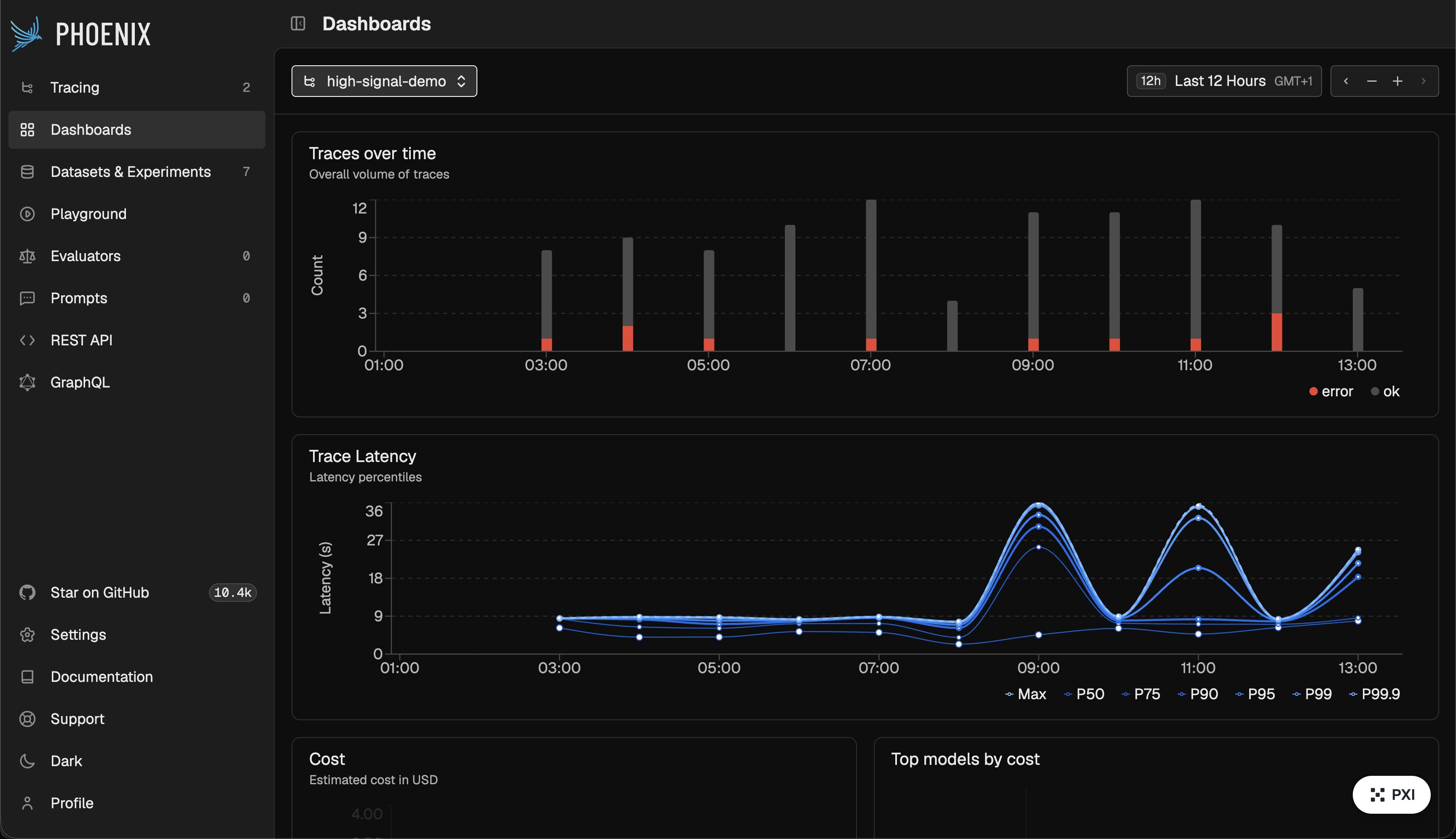
Traces that are sent to a project are automatically indexed for metrics. This lets you quickly identify areas of poor performance. Each dashboard by default includes:
* **Traces** over time
* **Trace Latency** percentiles
* **Cost** estimated in USD
* **Top models by cost**
* **Top models by tokens**
* **Token usage** by prompt and completion
* **Prompt token details** by input, cache, and audio parts
* **Completion token details** including output, reasoning, and audio parts
* **LLM span counts** over time
* **LLM spans with errors** over time
* **Tool span counts** over time
* **Tool spans with errors** over time
* **Average Span annotation scores**
* **Average trace annotation scores**
* **Average session annotation scores**
If you need custom alerting and dashboards on top of your trace data, including metrics tailored for non-developer stakeholders, [Arize AX's Dashboards supports these additional features](https://arize.com/docs/ax/observe/dashboards).
## Next Steps
Organize traces into separate projects
Monitor token usage and LLM costs
Add scores, labels, and LLM evals to your traces