> ## Documentation Index
> Fetch the complete documentation index at: https://arizeai-433a7140.mintlify.site/llms.txt
> Use this file to discover all available pages before exploring further.
# Prompt Playground
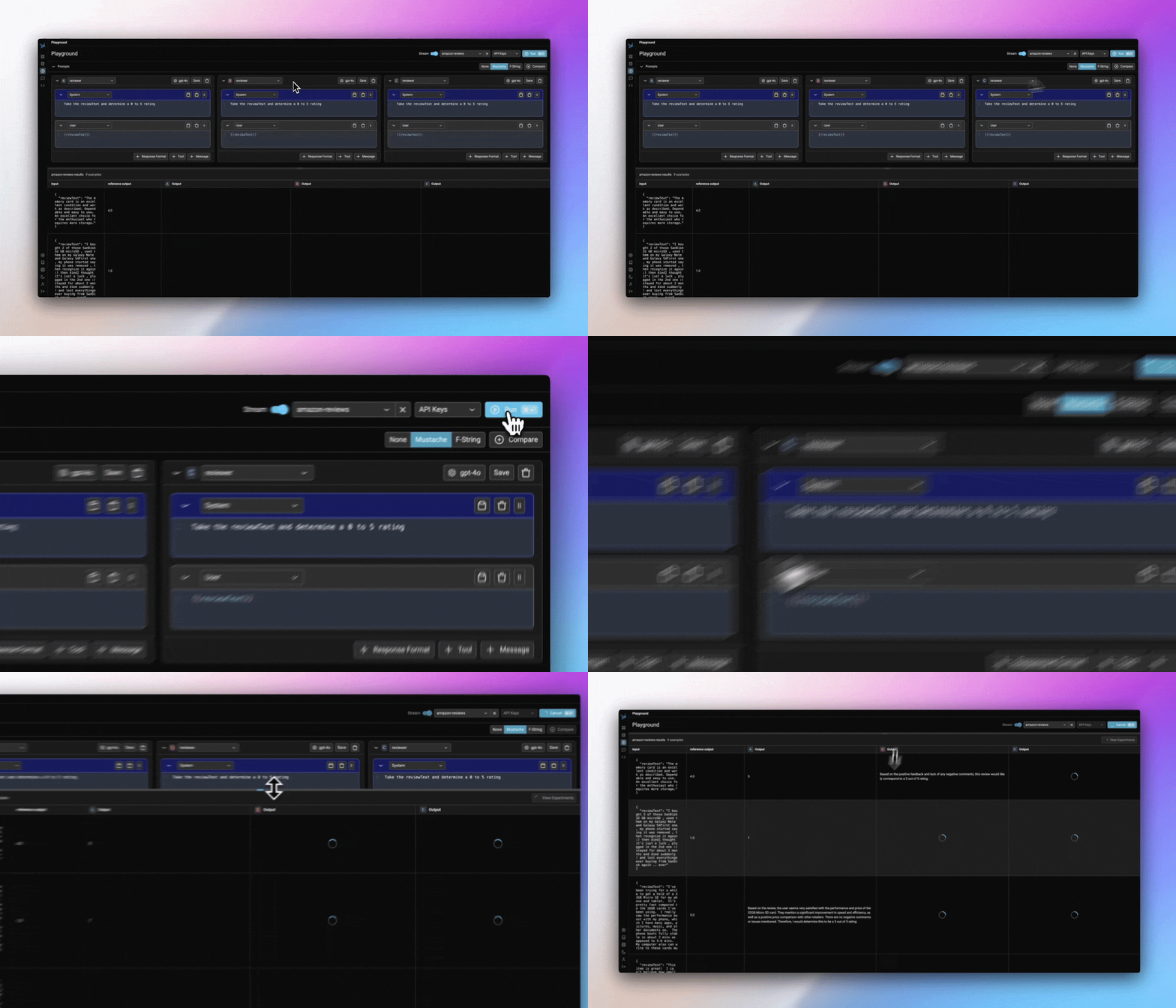 Phoenix's Prompt Playground makes the process of iterating and testing prompts quick and easy. Phoenix's playground supports [various AI providers](/docs/phoenix/prompt-engineering/how-to-prompts/configure-ai-providers) (OpenAI, Anthropic, Gemini, Azure) as well as custom model endpoints, making it the ideal prompt IDE for you to build experiment and evaluate prompts and models for your task.
* **Speed**: Rapidly test variations in the [prompt](/docs/phoenix/prompt-engineering/concepts-prompts/prompts-concepts#prompt), model, invocation parameters, [tools](/docs/phoenix/prompt-engineering/concepts-prompts/prompts-concepts#tools), and output format.
* **Reproducibility**: All runs of the playground are [recorded as traces and experiments](/docs/phoenix/prompt-engineering/how-to-prompts/using-the-playground#playground-traces), unlocking annotations and evaluation.
* \*\*Datasets: \*\*Use [dataset examples](/docs/phoenix/prompt-engineering/how-to-prompts/test-a-prompt) as a fixture to run a prompt variant through its paces and to evaluate it systematically.
* **Prompt** **Management**: [Load, edit, and save prompts](/docs/phoenix/prompt-engineering/overview-prompts/prompt-management) directly within the playground.
To learn more on how to use the playground, see [Using the Playground](/docs/phoenix/prompt-engineering/how-to-prompts/using-the-playground)
Phoenix's Prompt Playground makes the process of iterating and testing prompts quick and easy. Phoenix's playground supports [various AI providers](/docs/phoenix/prompt-engineering/how-to-prompts/configure-ai-providers) (OpenAI, Anthropic, Gemini, Azure) as well as custom model endpoints, making it the ideal prompt IDE for you to build experiment and evaluate prompts and models for your task.
* **Speed**: Rapidly test variations in the [prompt](/docs/phoenix/prompt-engineering/concepts-prompts/prompts-concepts#prompt), model, invocation parameters, [tools](/docs/phoenix/prompt-engineering/concepts-prompts/prompts-concepts#tools), and output format.
* **Reproducibility**: All runs of the playground are [recorded as traces and experiments](/docs/phoenix/prompt-engineering/how-to-prompts/using-the-playground#playground-traces), unlocking annotations and evaluation.
* \*\*Datasets: \*\*Use [dataset examples](/docs/phoenix/prompt-engineering/how-to-prompts/test-a-prompt) as a fixture to run a prompt variant through its paces and to evaluate it systematically.
* **Prompt** **Management**: [Load, edit, and save prompts](/docs/phoenix/prompt-engineering/overview-prompts/prompt-management) directly within the playground.
To learn more on how to use the playground, see [Using the Playground](/docs/phoenix/prompt-engineering/how-to-prompts/using-the-playground)